For Maschine MK3 and Ableton Live 12
Kensal Live Bridge
Control Ableton Live with your Maschine MK3. Clips, Arrangement, sampler and mixer, right there on its two screens.
What you'll see on your screens
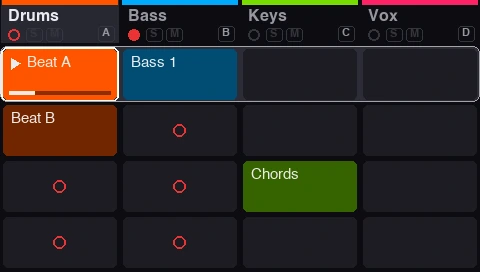
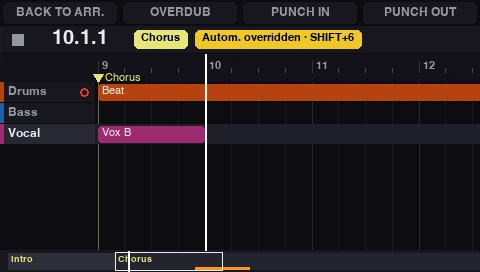
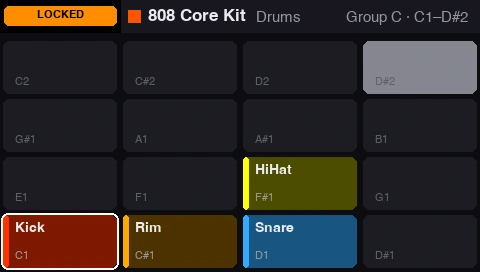
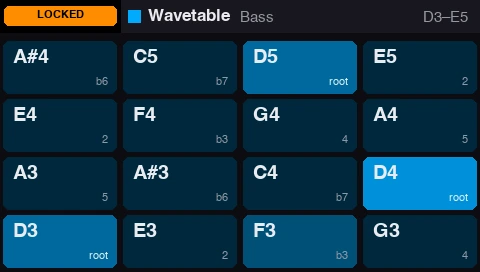
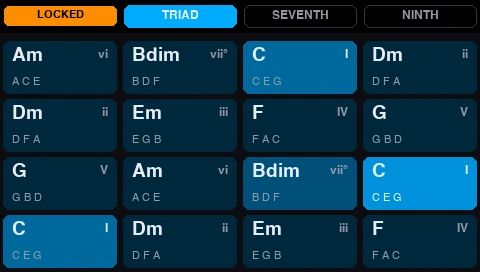
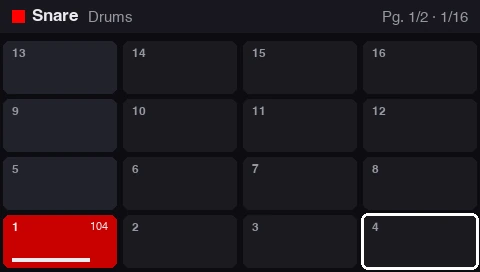
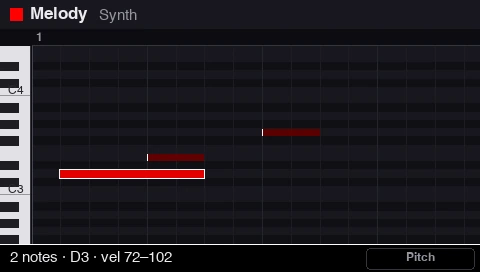
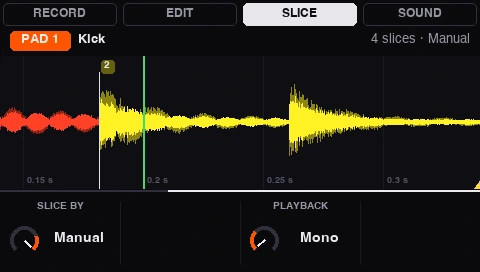
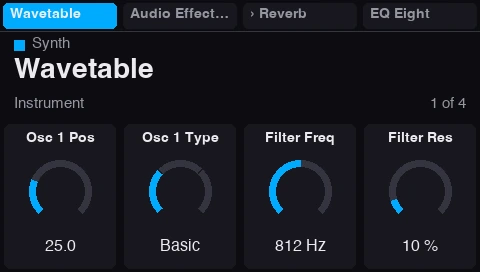
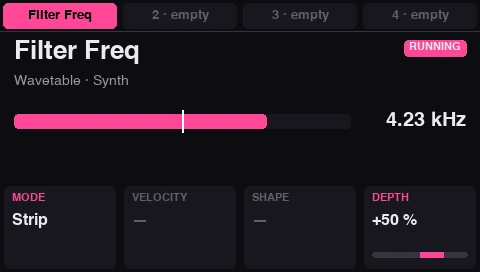
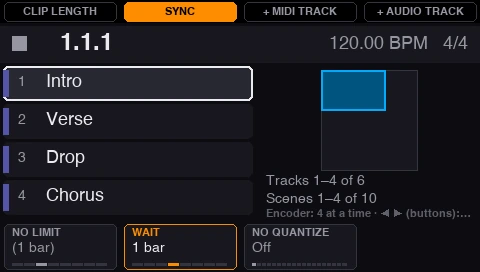
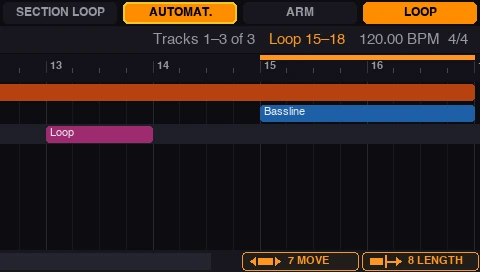
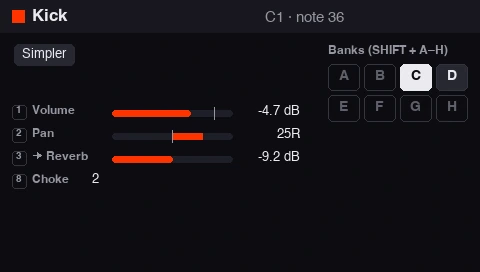
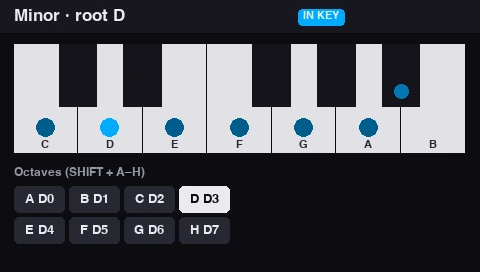
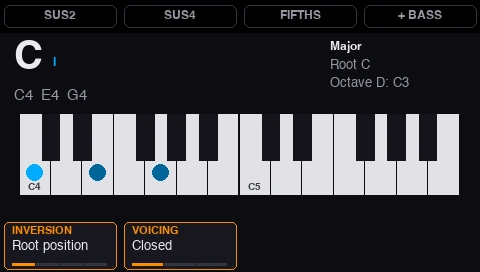
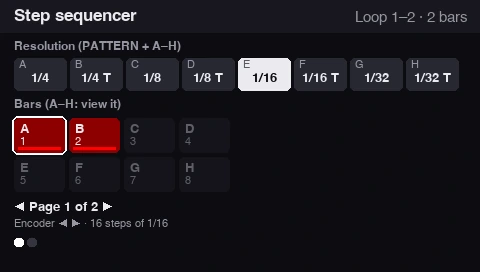
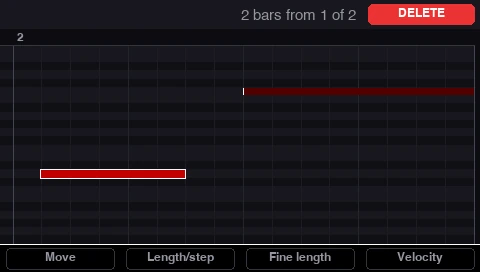
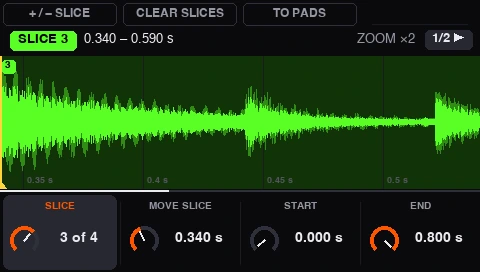
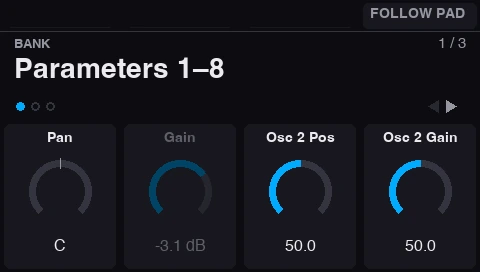
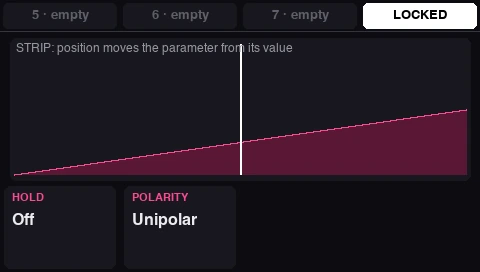
Live Set
Total control of your live sets
The laptop can stay at the side of the stage. Launching and combining clips from the pads is comfortable, quick and, above all, fun: you play your set like an instrument.
Focus on playing
Your whole set under your hands. The laptop stops being the centre of the stage.
Improvise freely
Launch, combine and reshape your ideas in the moment, without losing the groove.
From studio to stage
What you build at home is what you play live: same set, same controller.
Made by a producer, for producers
Features designed for an intuitive, direct workflow.
No Maschine software needed
The bridge talks to the Maschine directly. SHIFT + CHANNEL takes you back to Maschine 3 whenever you need it.
Your set's colours and names
Tracks, clips, scenes and sounds show up on the screens and LEDs with their Live names and colours.
Made for playing
Pads with an adjustable velocity curve, Note Repeat, arpeggiator and the touch strip for pitch, modulation or effects.
Up and running in five minutes
Buy and download
The download link reaches your inbox as soon as you pay. The PDF guides, in English and Spanish, are included.
Open the bridge
Double-click the file in the folder. The first time it sets itself up, in about a minute.
Pick it in Live
In Live's MIDI settings, choose Kensal Live Bridge as a control surface.
Frequently asked questions
Can I use the Maschine MK3 with Ableton Live without the Maschine software?
Yes. Kensal Live Bridge talks to the Maschine MK3 directly, so you control Live without opening Maschine. SHIFT + CHANNEL hands the controller back to Maschine 3 whenever you need it.
Does it use the MK3's two screens?
Yes. Both colour screens show what you're doing in Live: clips, Arrangement, drums, keyboard, sampler, mixer, devices and more. The eight knobs and the buttons above the screens change with each view.
Does it work with Ableton Live 12?
Yes. It's made and tested for Ableton Live 12.
Which computers does it run on?
Macs with Apple Silicon (M1 or later). There's no Windows version for now.
Does it work with Maschine Mikro or Maschine+?
No. It only works with the Maschine MK3.
Maschine MK3 · Ableton Live 12 · macOS (Apple Silicon)Requirements and installation